Account Registration
The first step in your Pi journey is to register an account with Pi Network. You will need to download the Pi app and Pi Browser app onto your device. The registration process includes verifying your email address.
Create Your Account and Complete Initial Setup
-
Download the Pi App
-
Register for an account
- Use a referral code if you have one. You can sign up without a code, but you will receive 1 Pi if you sign up with a code.
-
Download and sign in to Pi Browser
- See our video tutorial to learn how to complete this step.
- Google Play Store Link
- Apple App Store Link
-
Verify your email address (required before registering apps)
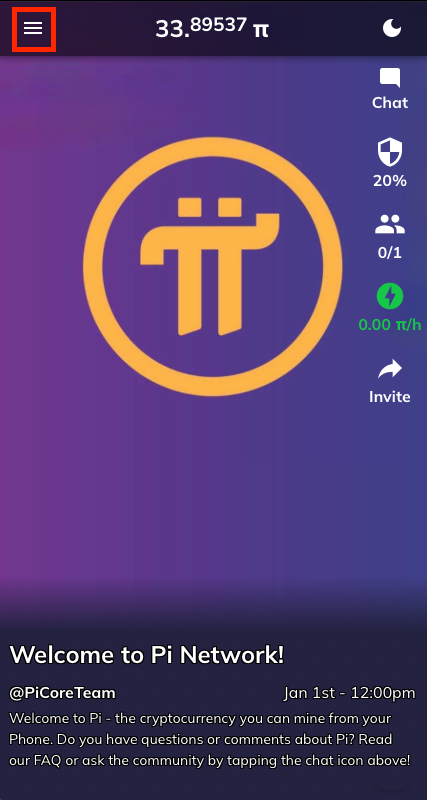
- Open the Pi app and tap the ‘☰’ (hamburger menu) in the top-left corner.
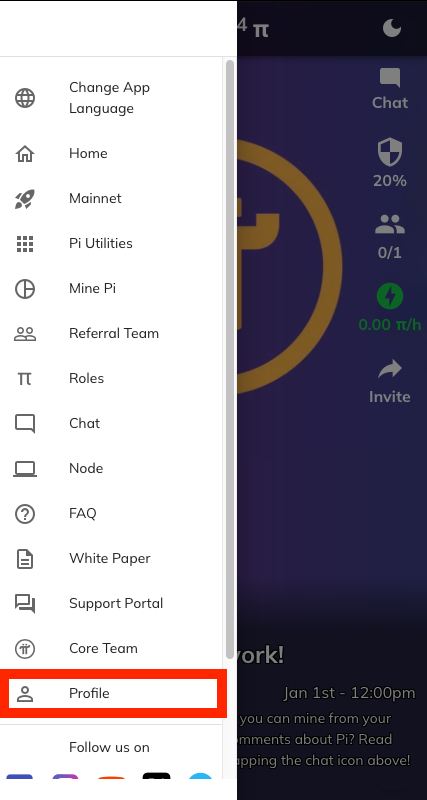
- Select Profile.
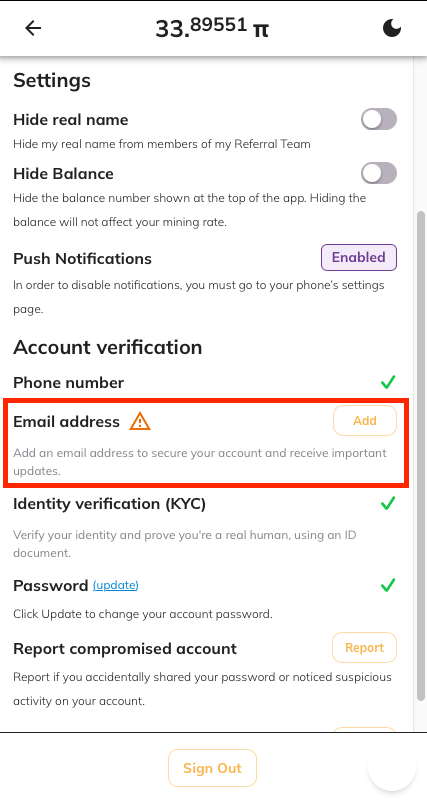
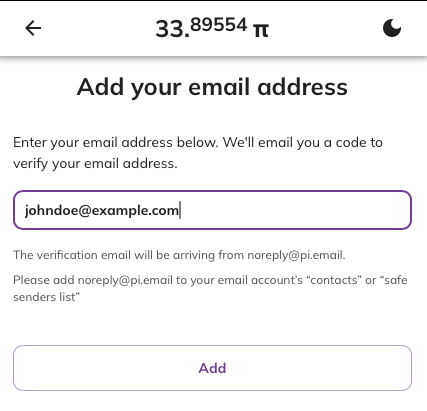
- Confirm your email address.
- Use Pi Browser to explore available apps in the Pi ecosystem.